

 NOTE: The information below is provided for your convenience only, accuracy of specifications cannot be guaranteed. But if necessary, please verify with us before purchasing. Data provided by 1 World Sync
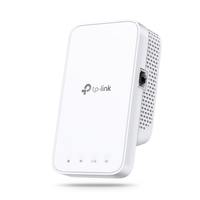
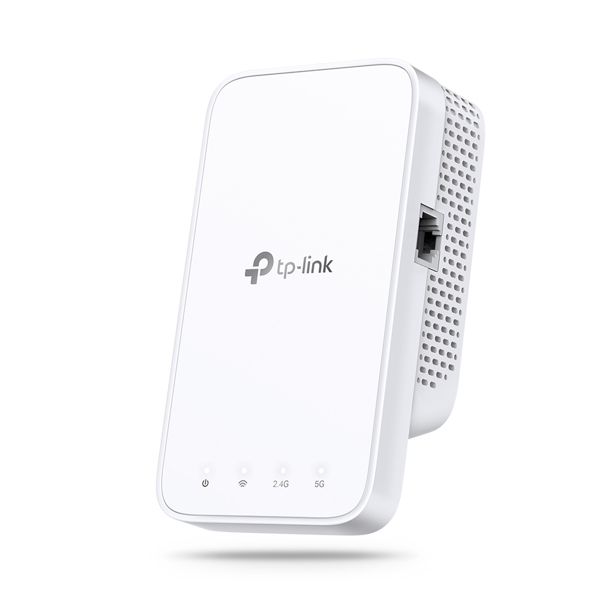
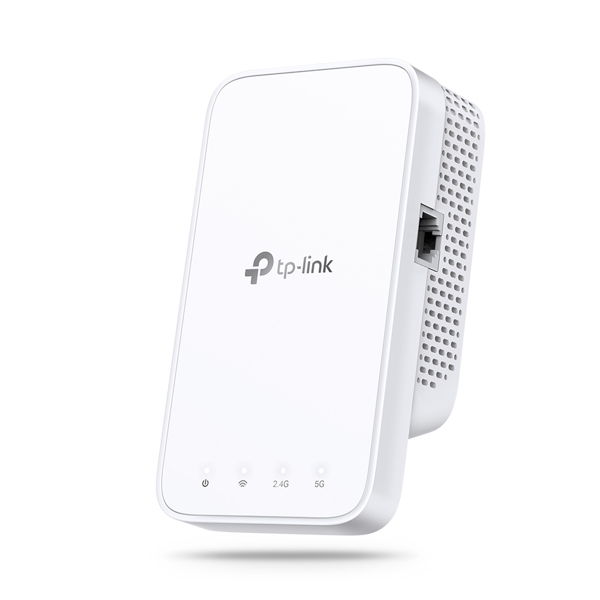
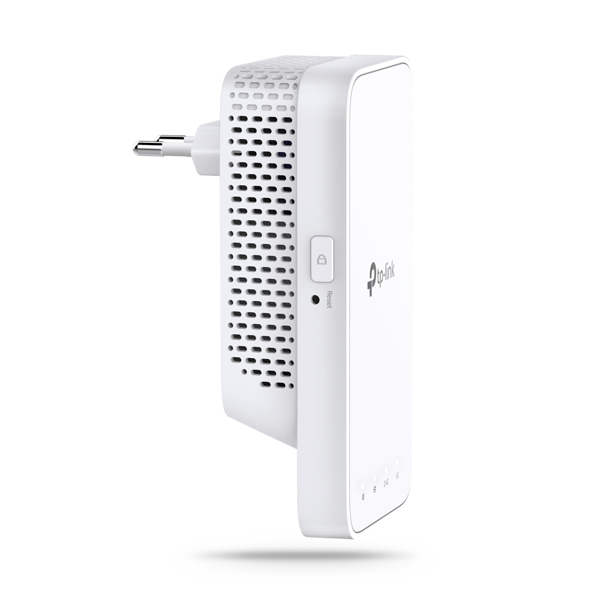
TP-LINK AC750 WI-FI RANGE EXTENDER. Data transfer rate: 750 Mbit/s, Ethernet LAN data rates: 10,100 Mbit/s, Mobile operating systems supported: Android, iOS. Antenna type: Internal, Transmitting power (FCC): 17 dBm. Wi-Fi standards: 802.11a,802.11b,802.11g,Wi-Fi 4 (802.11n),Wi-Fi 5 (802.11ac), Security algorithms: 64-bit WEP,128-bit WEP,WPA-PSK,WPA2-PSK. Product colour: White, Mounting type: Wall, Certification: FCC. Width: 69 mm, Depth: 52 mm, Height: 124 mm
https://www.tp-link.com/us/home-networking/range-extender/re230/#overview
Keep the Whole Home Connected
RE230 wirelessly connects to your WiFi router, strengthening and expanding its signal into areas it canΓÇÖt reach on its own. With speeds of up to 300 Mbps on 2.4 GHz and 433 Mbps on 5 GHz, put strong, fast WiFi in every room and say goodbye to dead zones.
TP-Link OneMeshΓäó
OneMeshΓäó is a simple way to form a Mesh network with a single WiFi name for seamless whole-home coverage. Just connect a OneMeshΓäó range extender to a OneMeshΓäó router. No more searching around for a stable connection.
Enjoy a Mesh Network with Your Existing Router
Want a Mesh network? Hesitate on whether to replace your existing router and buy a Mesh set?
TP-Link OneMeshΓäó resolves your dilemma.
High-Speed Dual Band WiFi without Bandwidth Drop
Faster AC750 Dual Band WiFi
The RE230 lets you keep more devices connected simultaneously with its 2.4 GHz 300 Mbps and 5 GHz 433 Mbps dual bands.
Keeps Itself Fast
Adaptive Path Selection keeps your network running at top-speed by automatically choosing the fastest connection path to the router.
High Speed Mode
Use both WiFi bands to establish one super-high-speed connection, ideal for HD streaming & gaming.
Secure One-Touch Connection for Easy Setup
Step 1: Simply press the WPS button on your router and, within 2 minutes, the WPS button on RE230 to connect to the network.
Step 2: Once connected, place RE230 to the best locationΓÇöwithout reconfiguration.
Notes: Please connect the extender to the router via the Tether app or Web UI if your router doesnΓÇÖt support WPS.
Find the Best Location with the Smart Signal Indicator
The smart signal indicator lets you see signal strength from the existing router at a glance. Easily to find the best place to position your range extender to extend your WiFi.
Feature-Rich App for Control in Your Hands
Set up and manage your WiFi through the TP-Link Tether app from your smartphone (Android, iOS), including TP-Link routers and range extenders.
0.00 average based on 0 reviews.
Simply add the product into cart and go to checkout page and pay there with secure payment methods.
You can always ask us over email or phone to confirm the STOCK Status and Stock QTY.
After you place your order, our team will confirm this and will process it to further warehouse team. Each order has handling to processing and then dispatching timeline. Deliveries takes 4-5 days and we always ship with UPS
Our team is always at your service to help you with after sale enquiries and facilitating you with installations, configurations and with detailed technical support.
We sell genuine and original products, sourced directly from various distributors and manufacturers. We provide the standard warranty that comes with each product and fully handle RMA and warranty claims according to standard procedures.
We accepts returns within 14 days only if items are unused, in original packaging, not opened and not excluded (e.g., software, licenses, custom goods). Refunds are issued after inspection; return shipping is the customer's responsibility.
Your data and payment are 100% secure with us. We offer safe payment methods on our checkout page to ensure a smooth purchasing experience. Payments areprocessed by our parent company, “FF Detaljhandel AB”


+1 205 851 9799
+1 628 313 4513
Opening hours: 8:30 - 17:00 | Monday to Friday
Send Message to info@networkdistri.com and sales@networkdistri.com
Address Network Distri, 610 Uptown Blvd suit 2000, Cedar Hill, Tx 75104, United States.
 About NetworkDistri.com - Your Single Destination for IT Procurement
NetworkDistri.com is a rapidly expanding online IT partner and a B2B/B2C IT network equipment retailer in the USA. We serve as a professional IT distributor, network solution integrator, and service provider, specializing in digital business transformation and system integration. Our portfolio includes various enterprise and industrial IT solutions, particularly in enterprise networking, covering wireless technology, network security, firewalls, collaboration tools, and data center solutions.
Copyright © 2025 All rights reserved. Developed by Intelliinn & networkdistri.com Team

By clicking "Accept cookies" you agree to store cookies on your device to improve website navigation, analyze website usage and assist in our marketing efforts. Privacy policy.
 +1 628 313 4513
 Create account - Log in


.png)

 3-5 working days