

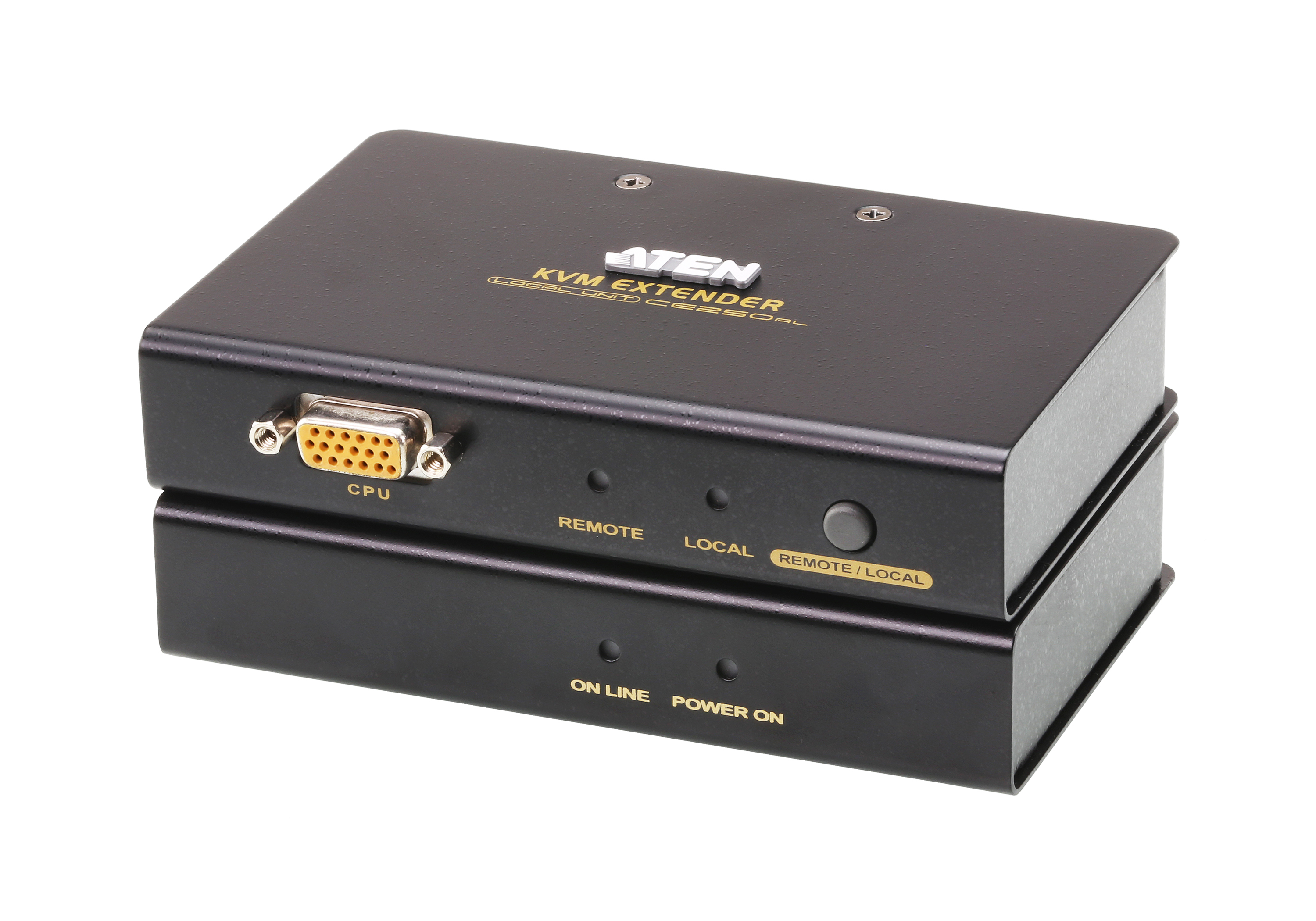
ATEN CE 250A local and remote devices
ATEN CE 250A local and remote devices - KVM extender - up to 150 m
Brand: ATEN
SKU: CE250A
$257.97
Price as listed. Shipping charges calculated at checkout.
Out of stock

Do you have any question about this product or its specs? Want to know more? Click here to contact our pre-sales consultant and make the right purchase.
 NOTE: The information below is provided for your convenience only; the accuracy of the specifications cannot be guaranteed. However, if necessary, please check with us before purchasing. Data provided by 1 World Sync.
|
|
||||
| ATEN CE250A 2-port Kvm Switch - PS/2 PS/2, VGA |
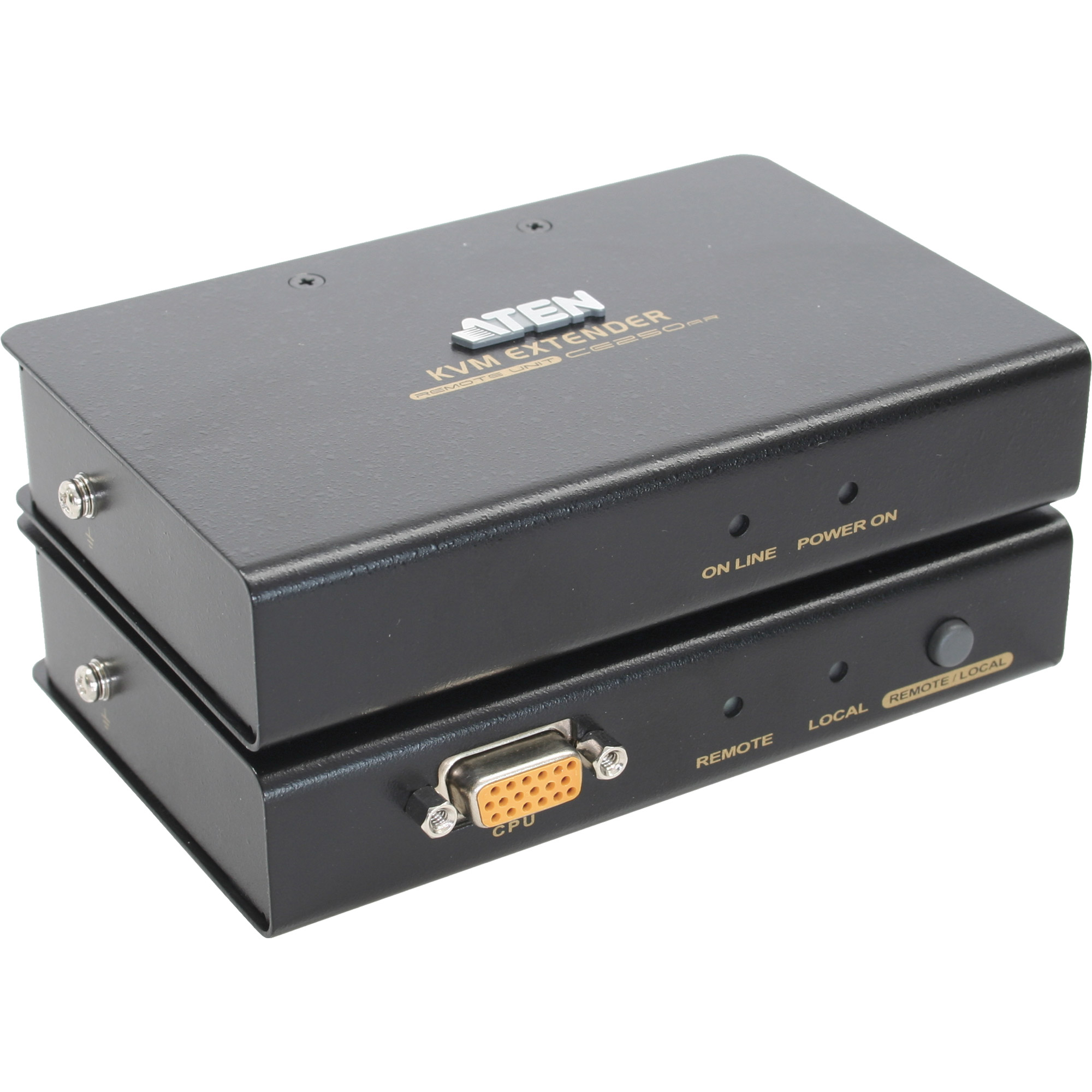
|
|||
| Extender (150m) | ||||
| Group | KVM Switches | |||
| Manufacturer | ATEN | |||
| Manufacturer item no. | CE250A | |||
| EAN/UPC | 4710423774612 | |||
| Description | ||||
|
Aten KVM-Extender, 150mtr.1xPC, 2xMonitor, PS/2, VGA, 1280x1024, Sender/Empfänger-Set, Maus-/Tastatursimulation f.
NT/Novell, Auflösung VGA:1280x1024, 2x ext.Netzteile, Tischgeräte incl. 1xKVM Kabelsatz 1m, Verbindet einen PC mit der Konsole bis max.150mtr. über ein CAT V Kabel RJ45,Console: 1xVGA (HDB15 Buchse), 2xMaus/Tastatur PS/2 (Din-6 Buchse), 1xTP (RJ45 Buchse),Console Computer Local: 1xVGA (HDB15 Stecker), 2xMaus/Tastatur PS/2 (Din-6 Buchse),Remote: 1xVGA (HDB15 Buchse), 2xMaus/Tastatur PS/2 (Din-6 Buchse), 1xTP (RJ45 Buchse),PS/2 KVM Extender CE250 KVM Extender is a console extender with built-in PS/2 and ASIC chip. It allows remote users to connect and access to the server devices via the console. Users will only need to install it by connecting some cables, without using additional tools or software. Patent NO. : TW 150098 (Taiwan),CN ZL01124239.6(China),US 6,489,854 B1 (USA) Features Uses Cat 5 cable to connect the local and remote units(up to 150m apart)-We strongly recommend that you use Cat 5 STP cable. Dual Console Operation - Control your system from both the local and remote PS/2 keyboard,mouse and mointor console. Push button selection-sequential selection between local and auto mode. Automatic Gain Control-automatically adjusts signal strength to compensate for distance. Built-in ASIC for greater reliability and compatibility. Supports DDC2B for local monitor (display data channel for communication between graphic card and monitor) Support VGA,SVGA,and Multisync Monitors. OS Support:Windows 2000, Windows XP, Windows Vista and Linux Package Content 1x KVM Extender (Local Unit) 1x KVM Extender (Remote Unit) 1x KVM Cable 2x Power Adapters 1x User Manual 1x Quick Start Guide Diagram + View enlargement Specification Connectors Console (Local) Keyboard 1 x Mini Din- 6 Female (Purple) Video 1 x HDB-15 Female (Blue) Mouse 1 x Mini Din- 6 Female (Green) Unit to Unit 1 x RJ45 Female (Black) Power 1 x AC Jack (Black) Computers (Local) Keyboard 1 x Mini Din- 6 Female (Purple) Video 1 x HDB-15 Male (Blue) Mouse 1 x Mini Din- 6 Female (Green) Remote Keyboard 1 x Mini Din- 6 Female (Purple) Video 1 x HDB-15 Female (Blue) Mouse 1 x Mini Din- 6 Female (Green) Connection 1 x RJ 45 Female (Black) Powe 1 x AC Jack (Black) LEDs (Local) Local 1 (Green) Remote 1 (Green) LEDs (Remote) Status 1 (Orange) On Line 1 (Green) Emulation Keyboard PS/2 Mouse Switches Selection Mode 1 x Pushbutton Video 1280 x 1024 Maximum Distance 150m Power Consumption AC9V, 2.7W (max) Environment Operating Temperature 0°~50°C Storage Temperature -20°~60°C Humidity 0~80% RH, NC Physical Properties Housing Plastic Weight Local 0.3kg Remote 0.22kg Dimensions Local 13 x 10 x 3.5cm Remote 10 x 8.5 x 3.5cm * The specification and pictures are subject to change without notice.* All trademarks and logos are the properties of their respective holders. |
||||
| Extended details | ||||
| General | ||||
| Model designation | CE 250A Local and Remote Units | |||
| Switch | Kvm Switch | |||
| Amount of ports | 2-port | |||
| Universal interfaces | PS/2 | |||
| Accessories such as charging / docking stations, etc. | Surge protector | |||
| Video/network connections | PS/2; VGA | |||
| Colour | Black; Blue; Green; Orange; Violet | |||
| Compatibility | ||||
| Compatible brands | Microsoft | |||
| Measurements / weight | ||||
| Measurements | 100 x 85 x 35 mm | |||
ATEN CE250A
| Estimate Gross Weight | 1.388 |
|---|
https://www.aten.com/us/en/products/kvm/kvm-extenders/ce250a/#.WfbT-nBwklQ
The CE250A KVM Extender is perfect for factory and construction sites, or any type of installation where the console needs to be in a conveniently accessible location, but you want the system equipment to reside in a safe place - away from dust, and harsh environmental influences.
A key feature of the CE250A is built-in 8KV ESD protection and 2KV surge protection. It also features a custom ASIC that ensures the utmost in reliability and compatibility. It senses the distance to the computer and automatically adjusts the gain to compensate.
The CE250A KVM Extender provides the optimum means to access the remote computer, since it uses compact, inexpensive Cat 5e cable for a neater, more convenient, more reliable data transfer connection.
The CE250A KVM Extender is perfect for factory and construction sites, or any type of installation where the console needs to be in a conveniently accessible location, but you want the system equipment to reside in a safe place - away from dust, and harsh environmental influences.
A key feature of the CE250A is built-in 8KV ESD protection and 2KV surge protection. It also features a custom ASIC that ensures the utmost in reliability and compatibility. It senses the distance to the computer and automatically adjusts the gain to compensate.
The CE250A KVM Extender provides the optimum means to access the remote computer, since it uses compact, inexpensive Cat 5e cable for a neater, more convenient, more reliable data transfer connection.
- Cat 5e cable to connect the Local and Remote Units - up to 150 m apart
- Local unit takes its power from the computer - external power is only required when the power from the local computer/computers in the KVM installation is insufficient
- Rack Mountable
- Multiplatform support: OS Support:Windows 2000/XP/Vista and Linux.
- * The EDID data for a widescreen is sent from the local video output port. For widescreen modes and displays connect the monitor to the local video output port or use an ATEN EDID emulator.
- Dual console operation - control your system from both the local and remote PS/2 keyboard, mouse and monitor consoles
- Pushbutton selection of the active console
- High resolution video -up to 1280 x 1024 @ 60 Hz
- Supports Wide Screen formats *
- Supports VGA, SVGA, and Multisync monitors - local monitor supports DDC; DDC2; DDC2B
- Supports Microsoft Intellimouse and the scrolling wheel on most mice
- Automatic gain control - automatically adjusts signal strength to compensate for distance
- Built-in 8KV ESD protection and 2KV surge protection
0.0
0 review(s)
Inside NetworkDistri
From our network to yours.
Every day, technology moves through our operation — received, checked, prepared and dispatched to customers. The images below show real equipment handled through our operation, not stock photography.
Real operations
Technology we actually handle
01
Source
Global supply
02
Receive
Goods arrive
03
Prepare
Process & pack
04
Dispatch
On the way





































